
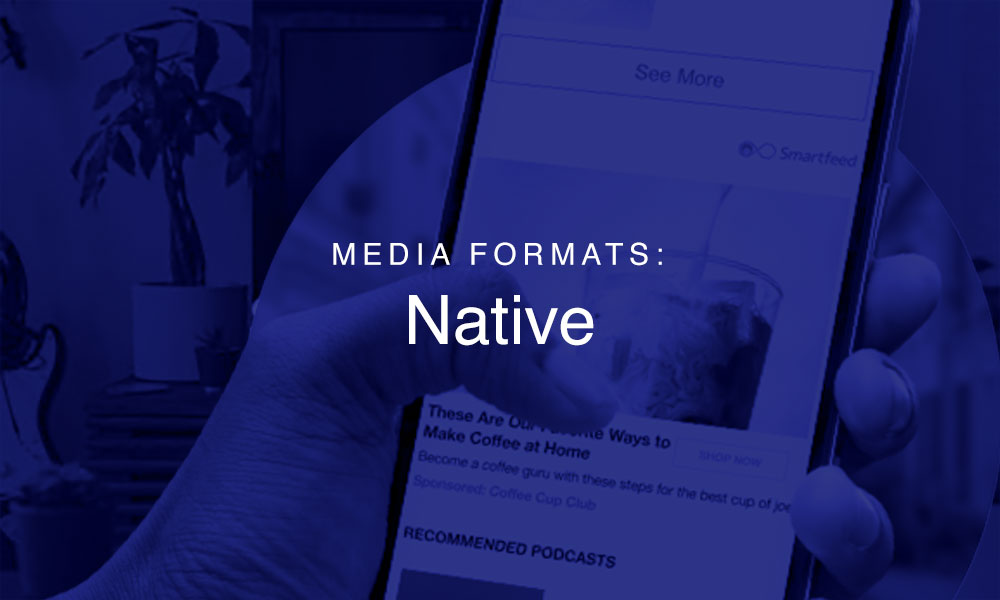
Native adware promoted posts that seamlessly blend in with a website’s existing content. You may hear someone refer to a Native as as “in-feed”.
This blog post will be built out more in the future, but for now I wanted to at least get the format down.
Requirements:
All creatives should have the following elements:
1. Headline
Maximum of 55 characters, minimum of 5 characters, including spaces
2. Body
Maximum of 120 characters, minimum of 5 characters, including spaces
*Note: No emojis. Some UTF-8 special characters (e.g. trademark™/registered®) or ad copy in all caps, are not reliably supported by all publishers and risk being restricted in scale. To ensure no room for an ad serving issue, it is recommended to avoid the use of symbols in ad copy. If special characters are necessary, consider leveraging our in-ad units.
3. Image
The image for native ads should ideally not contain any text overlay, but if the image is <30% text that is generally acceptable. This is enforced by our supply partners – we can try reaching out for exceptions if necessary.
We require 1200×627, 600×600 and 800×600 pixel images for every native campaign, that support the following formats: JPG, PNG. Static image GIFs are supported, but animated GIFs are not supported. The optimal file size is 750kb and max file size is 4MB.
The creative must be high resolution (The creative must be a minimum of 72 pixels per inch and is recommended to be 144 pixels per inch)
4. Destination URL
5. Sponsored By
There is a character limit of 25 in the ‘Sponsored By’ text field.
6. Brand logo on a white background
The logo has to be 1:1 ratio (square) on a white background. The recommended size is 300×300 pixels.
Note: While we send all elements in our bid response, we cannot guarantee that each and every single element is rendered as placements vary. Generally speaking, the headline, image, destination URL and sponsored by field is always present. The presence of body and brand logo may vary by placement.
Leave a Reply