
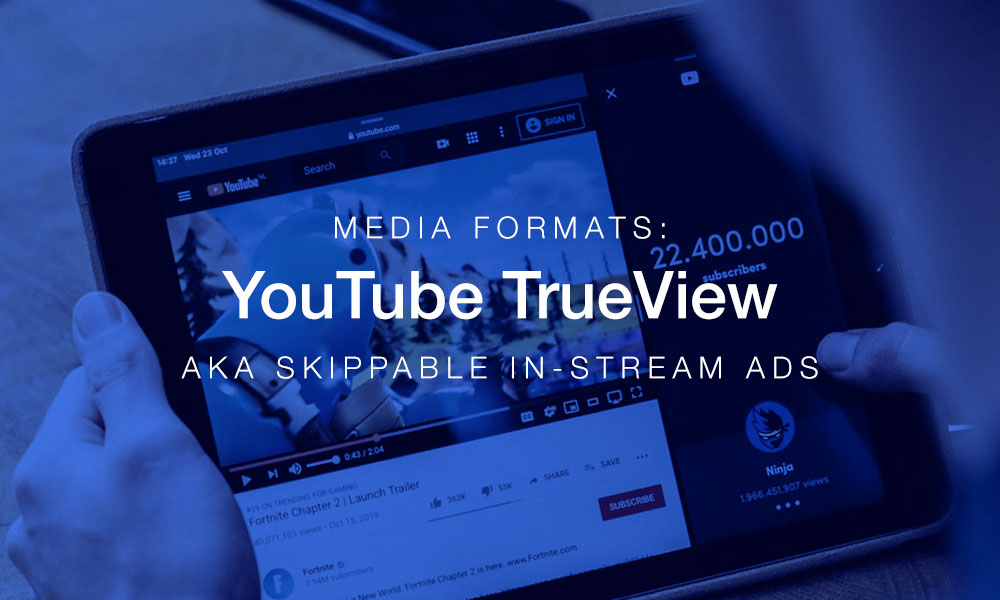
YouTube’s TrueView ad (also called Skippable In-Stream Ads) are video ads that play in the main player on YouTube.
Users can be reached on their computers, mobile phones, tablets and even large screen TVs.
These ads begin playing (not muted) and the user must wait at least 5 seconds before they can click or tap the “Skip Ad” button. This creates a window of 5 seconds to get the user’s attention.
Another important break point of the TrueView ad is the 30 second mark. Users who skip our ad before watching 30 second ore more do not count as an impression and we won’t pay for them. (if the ad is shorter than 30 seconds, we only pay for users who watch the whole thing)
Elements:
Video
The video must be uploaded to the client’s YouTube channel. If there is no YouTube channel available, Digital Media will create a new one for them. (more assets may be needed for this, but that’s for another article!)
Brand Logo
In a square format. This is shown as a small avatar next to the Headline
Brand Banner
Shown only on Desktop. This is shown on the right sidebar next to the video and will continue to show even after the ad is skipped and the intended video plays.
Headline
Maximum 15 characters.
Long Headline
Maximum 90 characters. Will be shown less often than the main Headline.
Description
Maximum 70 characters. Will sometimes be shown beneath the headline. May also be truncated, so put important information as early as possible.
Call To Action Text
Maximum 10 characters. Google also allows us to choose from a list of predefinted CTAs:
- Learn more
- Shop now
- Sign up
- Buy now
- Watch now
- Start now
- Book now
- Download
- Order now
- Play now
- Subscribe
- Apply now
- Donate now
Companion Banner
Only shows on desktops.
A 300×50 banner that shows on the right column as a companion to the client logo, name, headline and CTA.
Leave a Reply